The Claude Design Playbook
Run a full design sprint inside one Claude chat
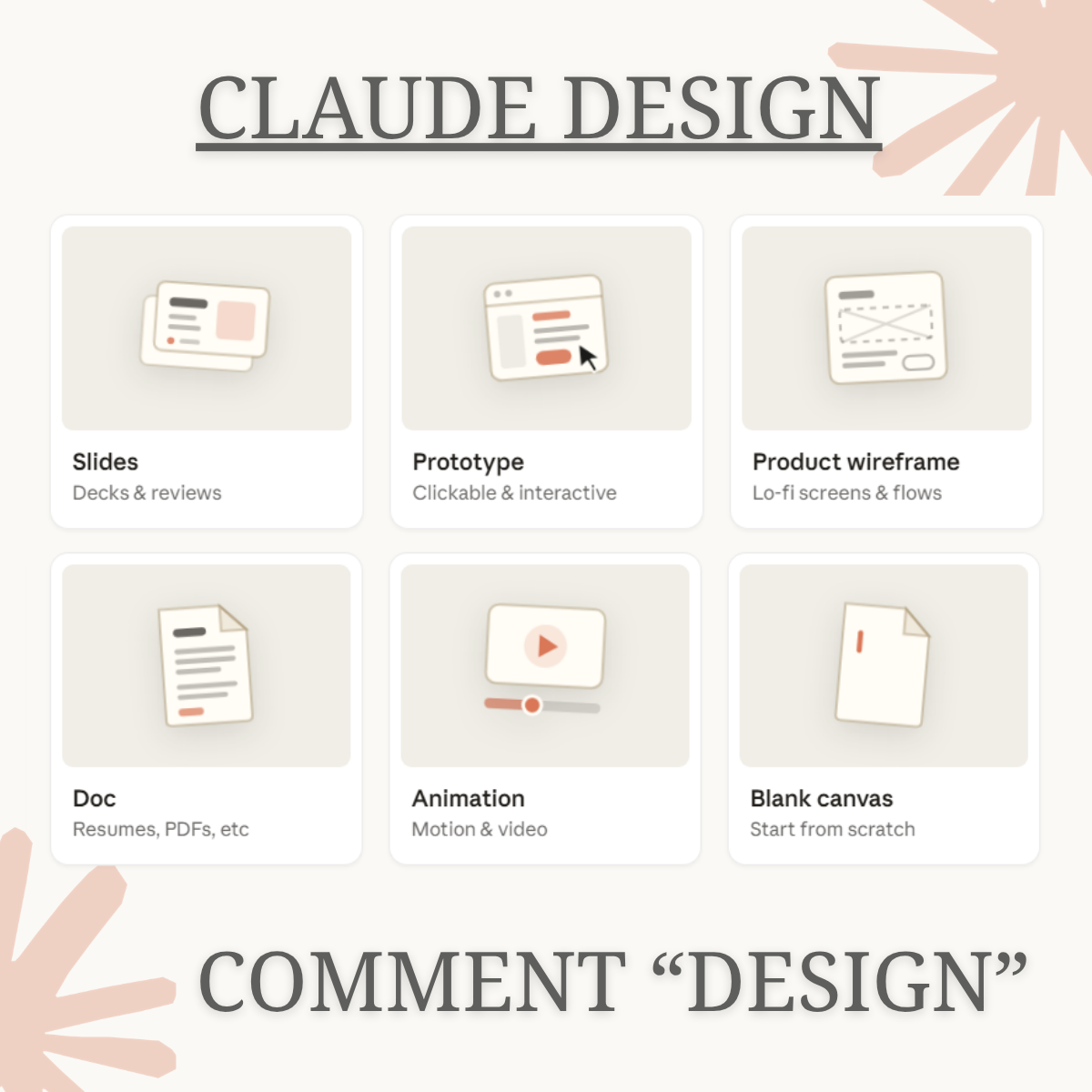
Most people use Claude to write paragraphs. It can now build slides, prototypes, wireframes, documents, animations, and open-canvas work you would actually ship. This guide gives you the briefing formula, copy-paste prompts, and chaining method that turn generic AI output into stakeholder-ready deliverables.
- The five-part prompt formula for professional design output
- Copy-paste prompts for all six Claude Design modes
- When to use wireframes versus prototypes versus slides
- Critique, accessibility, and developer handoff techniques most skip
About the The Claude Design Playbook
Designers, product managers, and founders using AI tools are still producing output they cannot ship. They get paragraphs when they need decks. They get vague layouts when they need clickable flows. Every revision cycle costs hours, and the deliverable still does not look like something a stakeholder would take seriously.
Most AI guides tell you to write better prompts. That advice stops at the surface. The real problem is that no one teaches you how to direct the second draft, how to chain deliverables together, or how to use the right mode for the right job. Generic output is not a tool problem. It is a briefing problem, and current tutorials do not fix it.
This playbook treats Claude Design as a full production environment, not a writing shortcut. It gives you a five-part briefing formula that maps directly to professional design briefs, copy-paste prompts built for each of the six modes, and a workflow that takes you from wireframe to prototype to stakeholder deck inside one chat. The gap between a draft you delete and a deliverable you ship is method. This is the method.
Claude Design supports six distinct output types including slides, prototypes, wireframes, documents, animations, and open-canvas work. Most users only ever access one of them.
Here is what you will walk away with this framework:
You will know exactly which of the six design modes to open for any brief, whether that is a pitch deck, a clickable flow, a lo-fi wireframe, a polished PDF, a motion asset, or something that fits no template.
You will have a five-part prompt formula you can apply immediately, structured the same way a professional design brief is structured, so Claude produces output calibrated to your context, not a generic starting point.
You will have copy-paste prompts for every mode, each one written to extract professional-grade output on the first or second iteration rather than the fifth.
You will be able to run critique, accessibility review, and developer handoff inside the same chat, three steps most users skip entirely and the ones that separate a draft from a deliverable.
You will know how to chain all six modes into a single connected design sprint, starting from a rough brief and finishing with work you can send to a client or present to a leadership team.
You will be able to direct revisions with precision, using inline comments and follow-up prompts that move the output forward instead of resetting it.
The playbook is structured to be usable in your next working session, not filed away for later. Pick it up, run the formula, and see the difference in the first output.